FAQ
Straight answers
Can my department see my data?
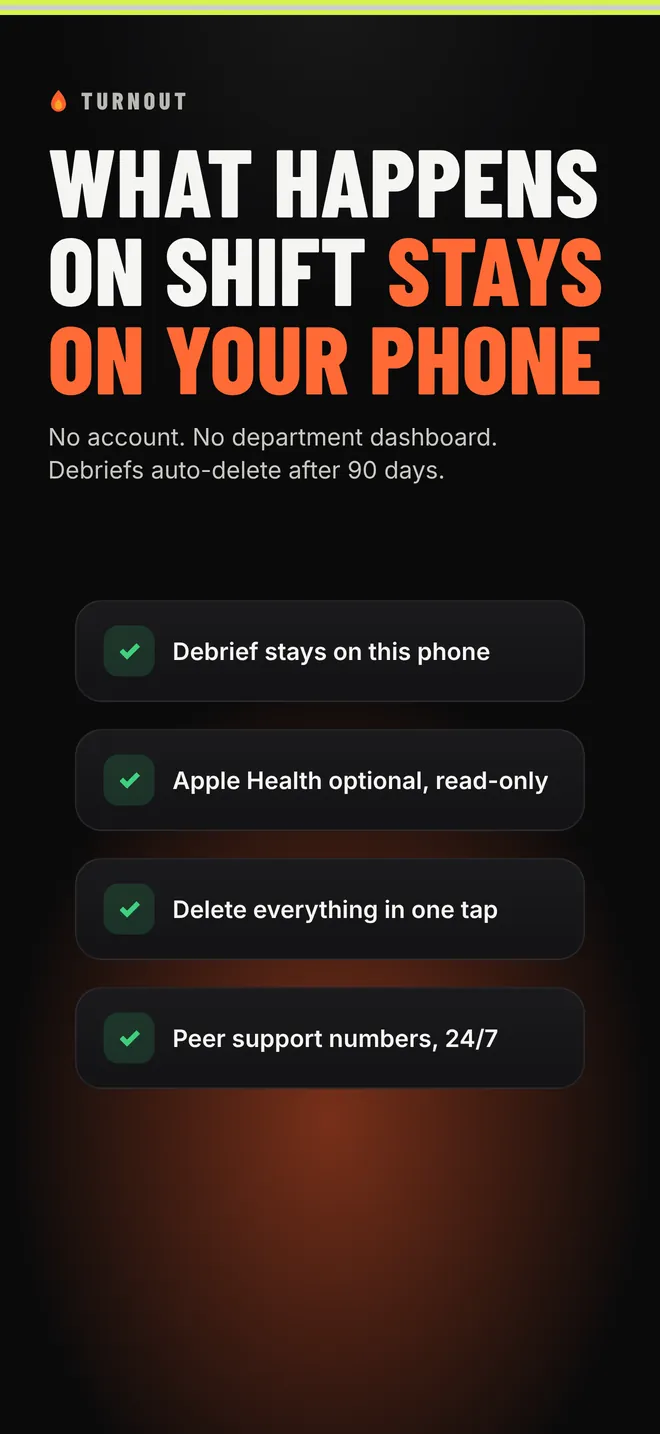
No. There's no account, no server and no department dashboard. Everything you log stays on your iPhone. Nobody but you can see it, including us.
Is this a medical app or a fit-for-duty test?
No. TURNOUT is not medical advice and not a fitness-for-duty tool. The scores are general estimates from what you log, meant to help you take care of yourself across the tour. For anything medical, talk to a doctor.
Which shift schedules does it support?
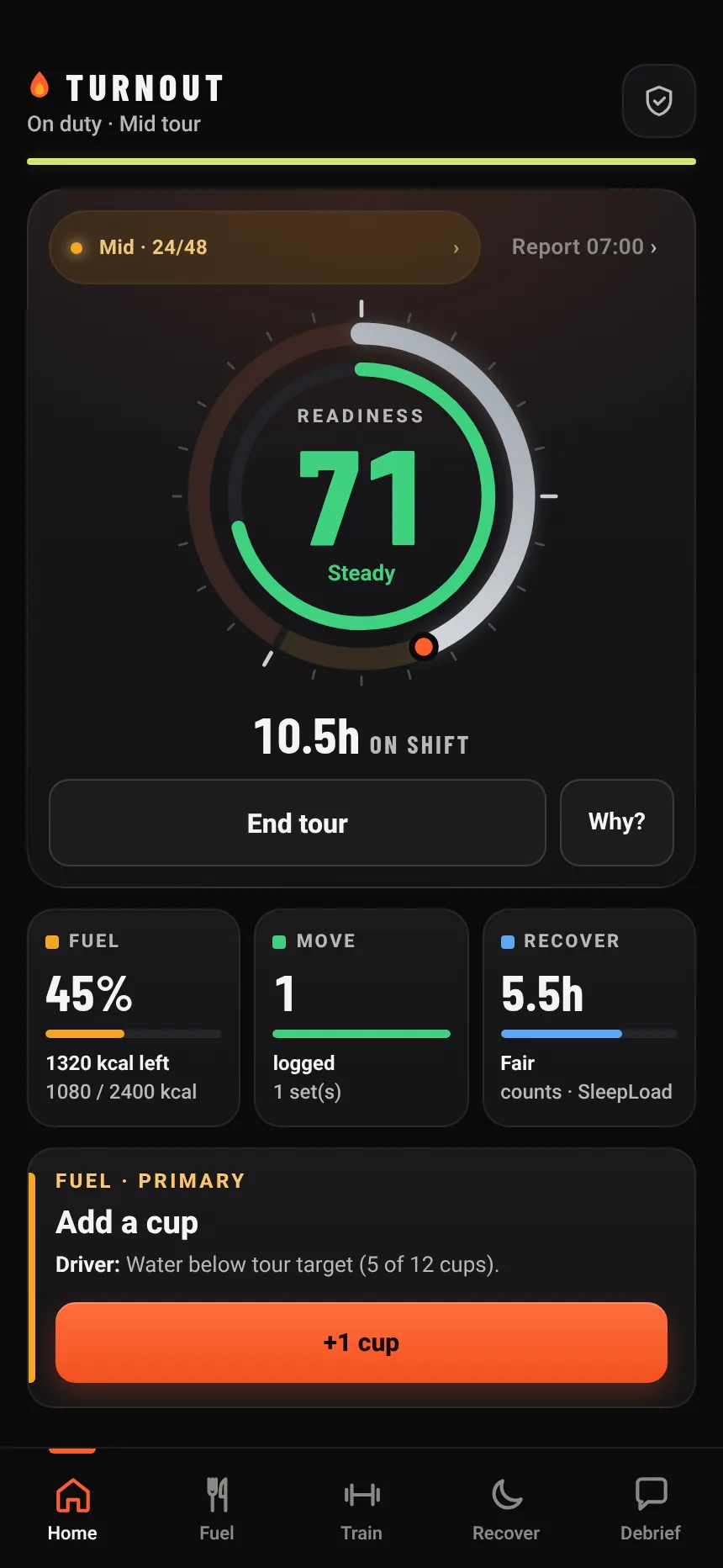
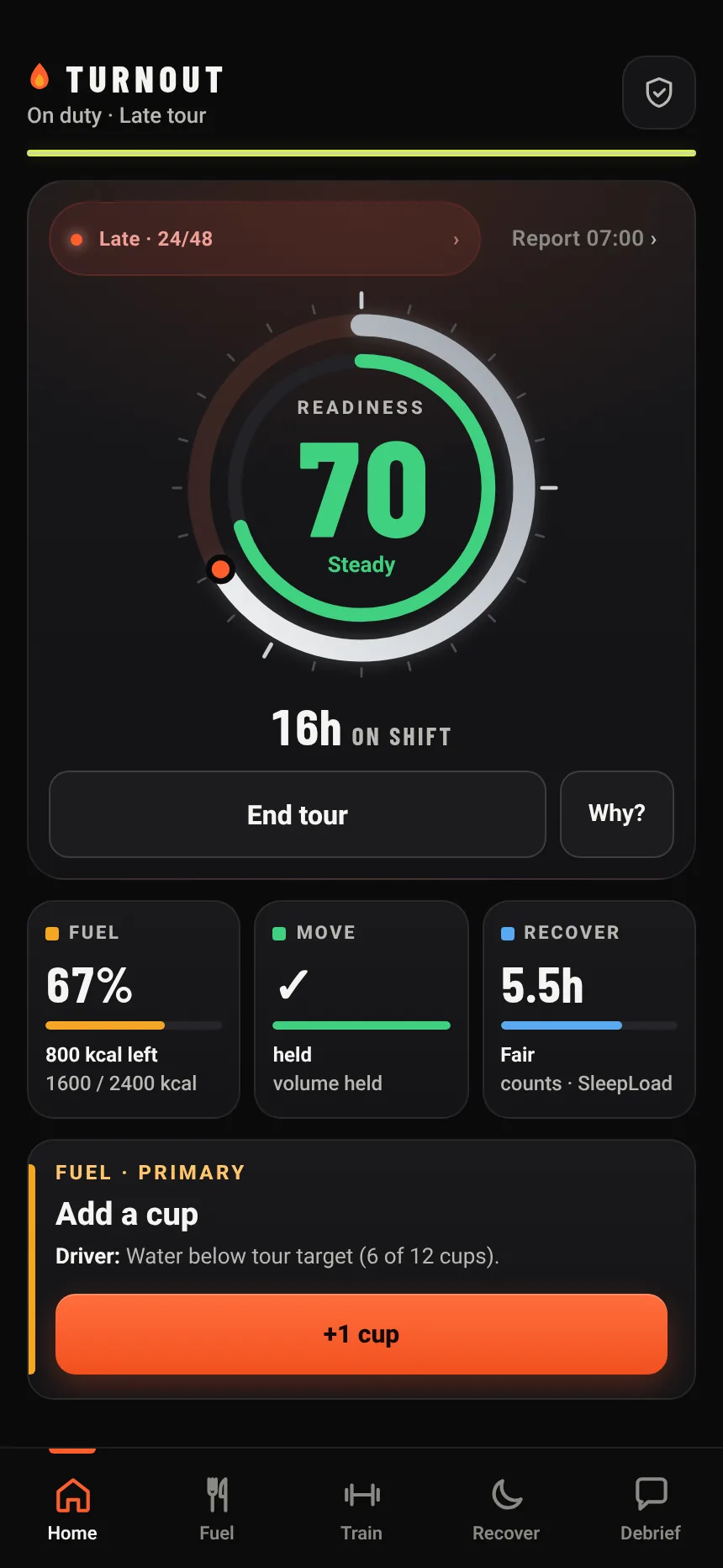
24/48, 48/96, 24/72, Kelly and 12-hour shifts. Tap Start tour when you go on shift and the dial tracks the tour from there.
Do I need an Apple Watch?
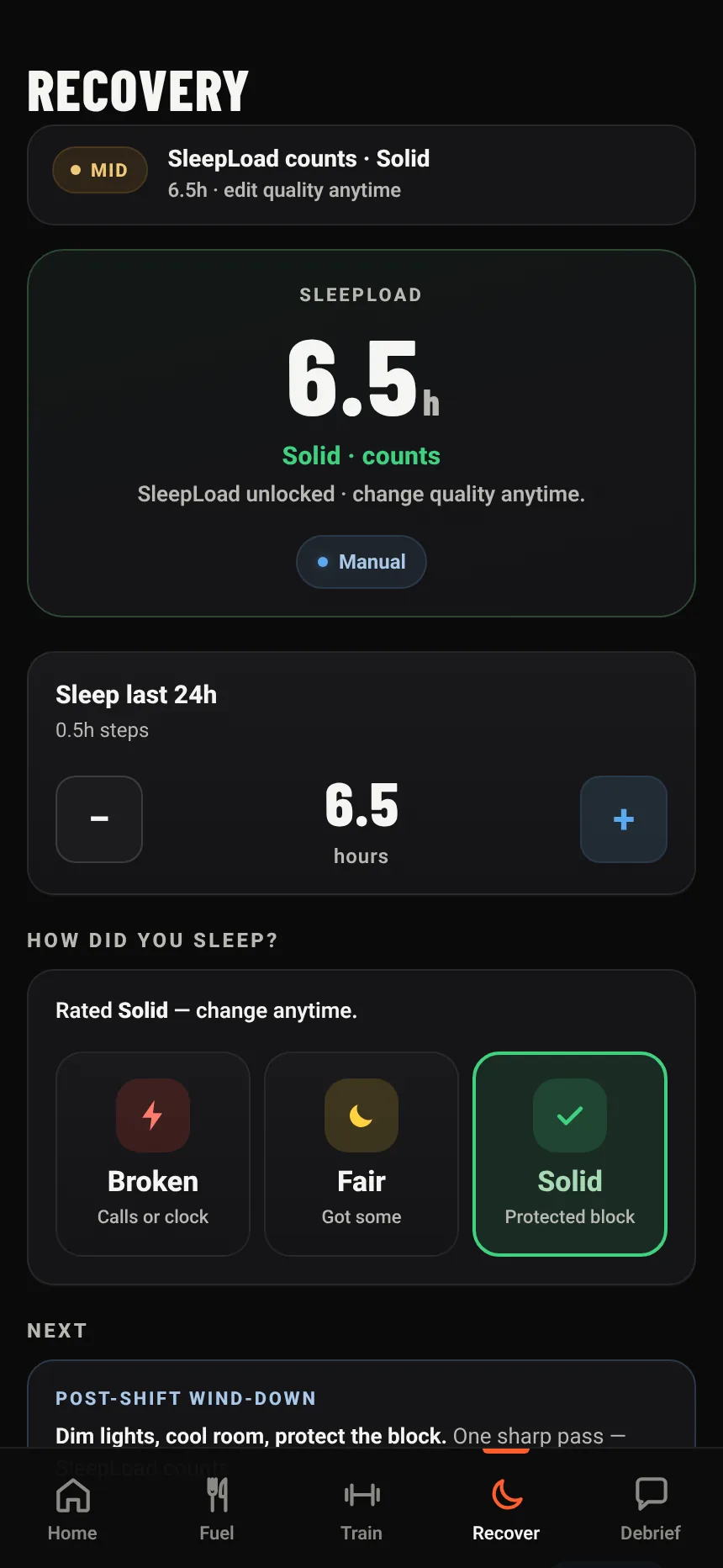
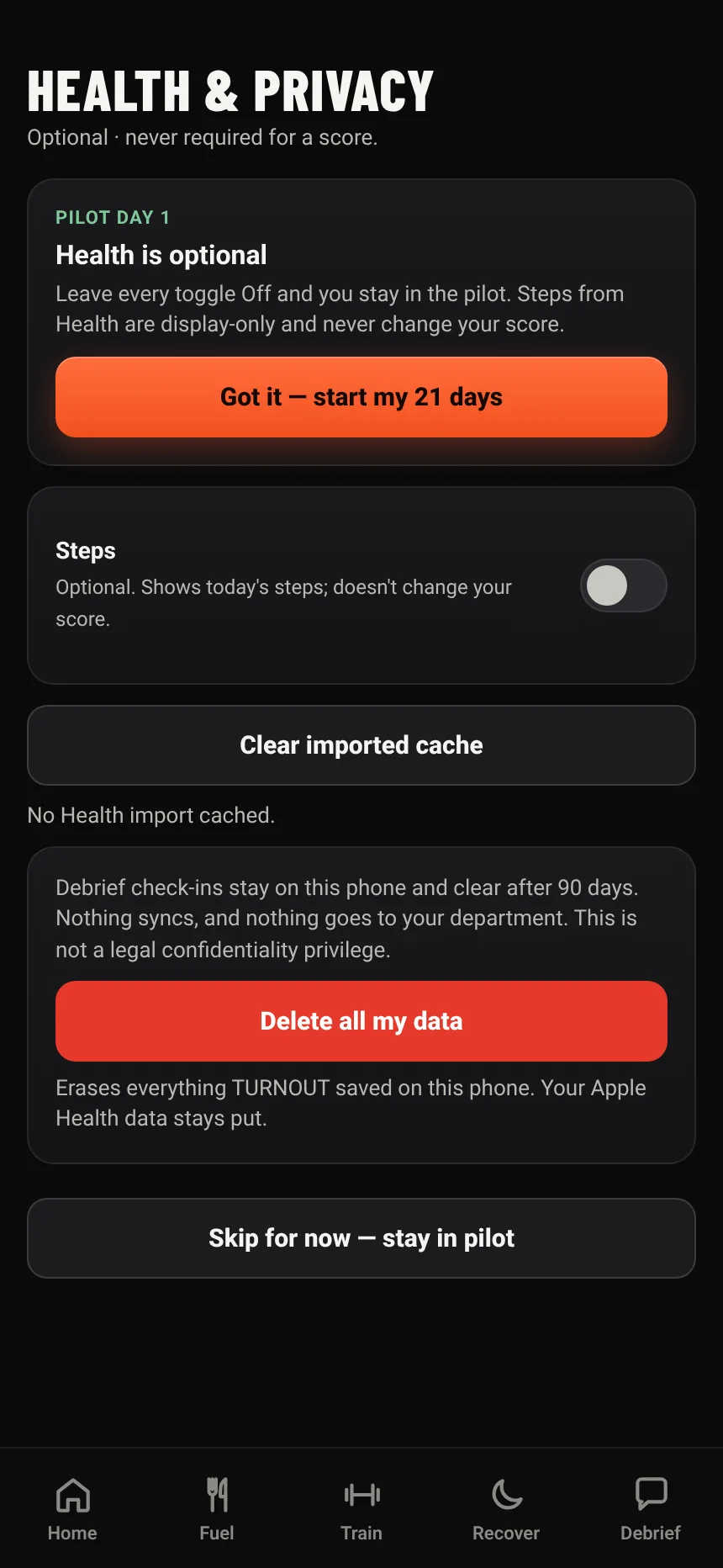
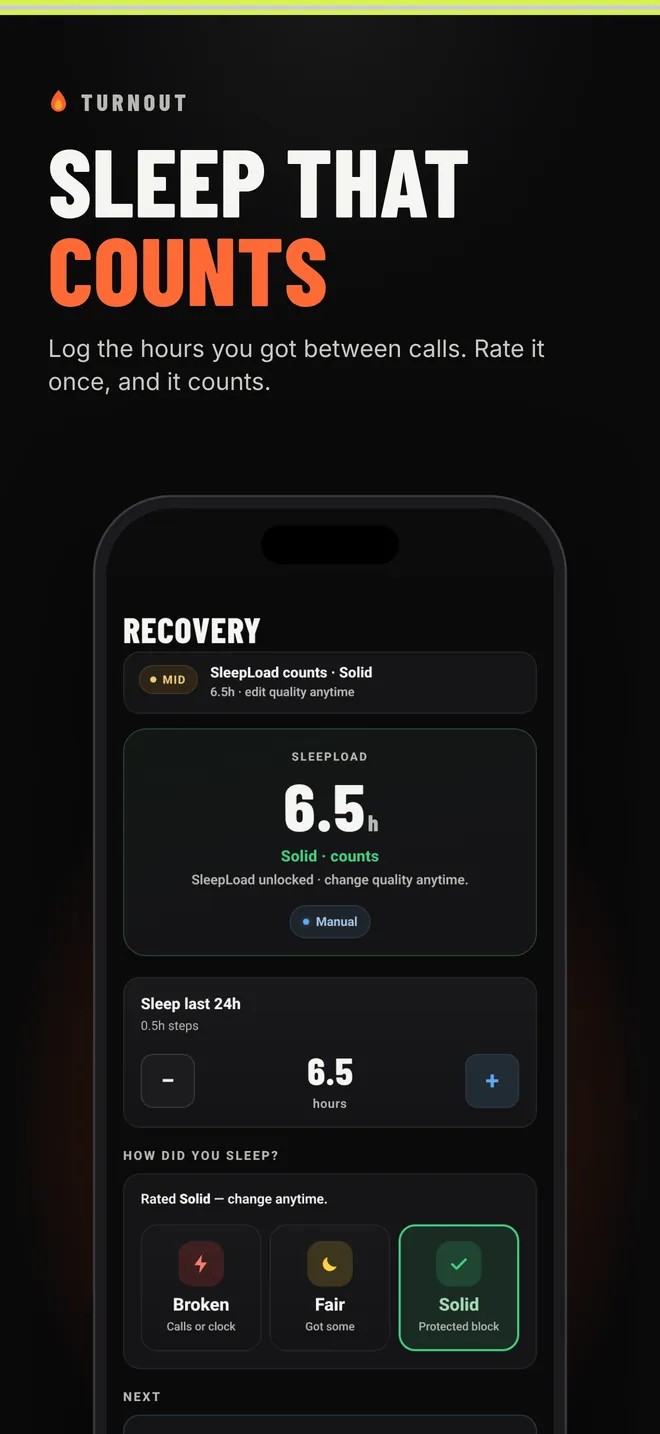
No. Apple Health is optional. If you allow it, TURNOUT reads step count; you log sleep in a couple of taps. Without Apple Health, everything still works.
Where does the food info come from?
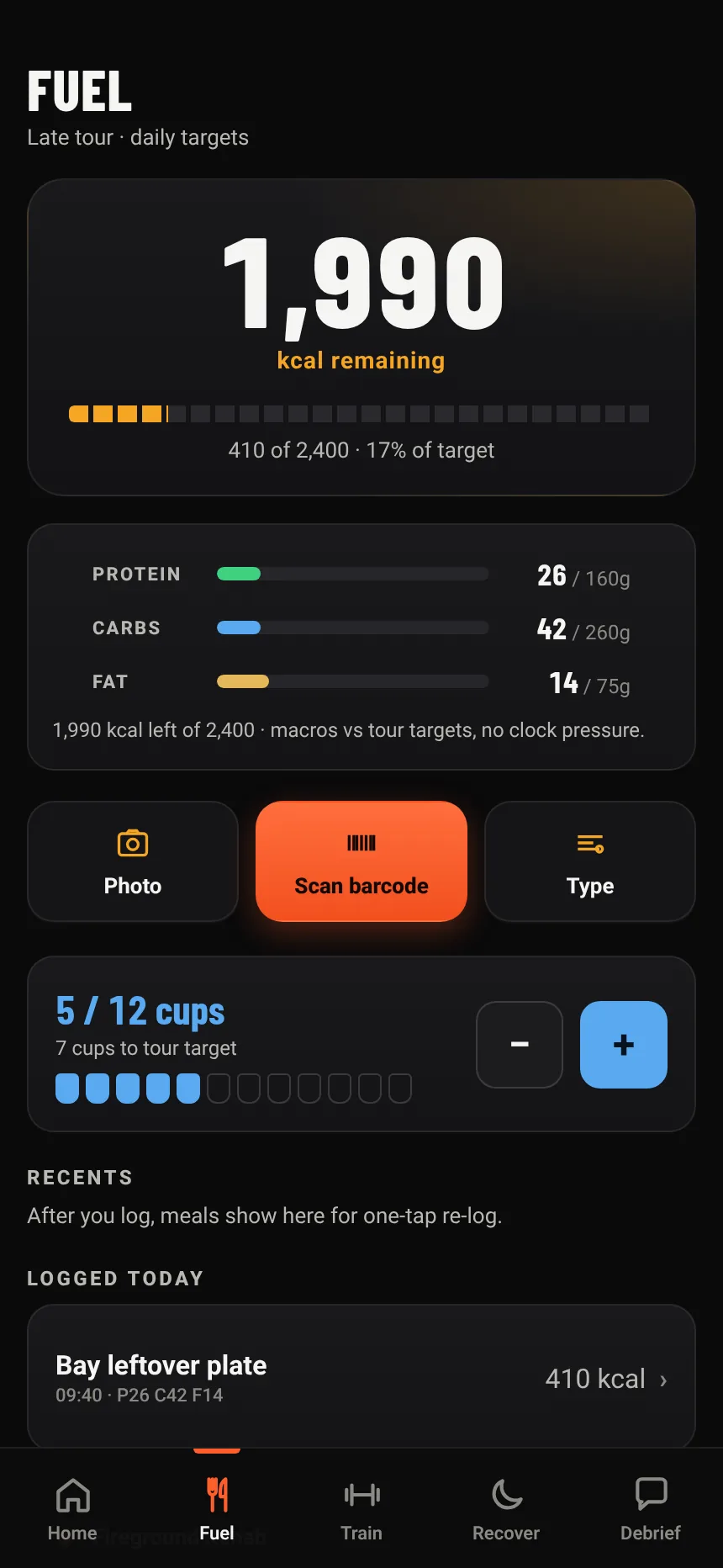
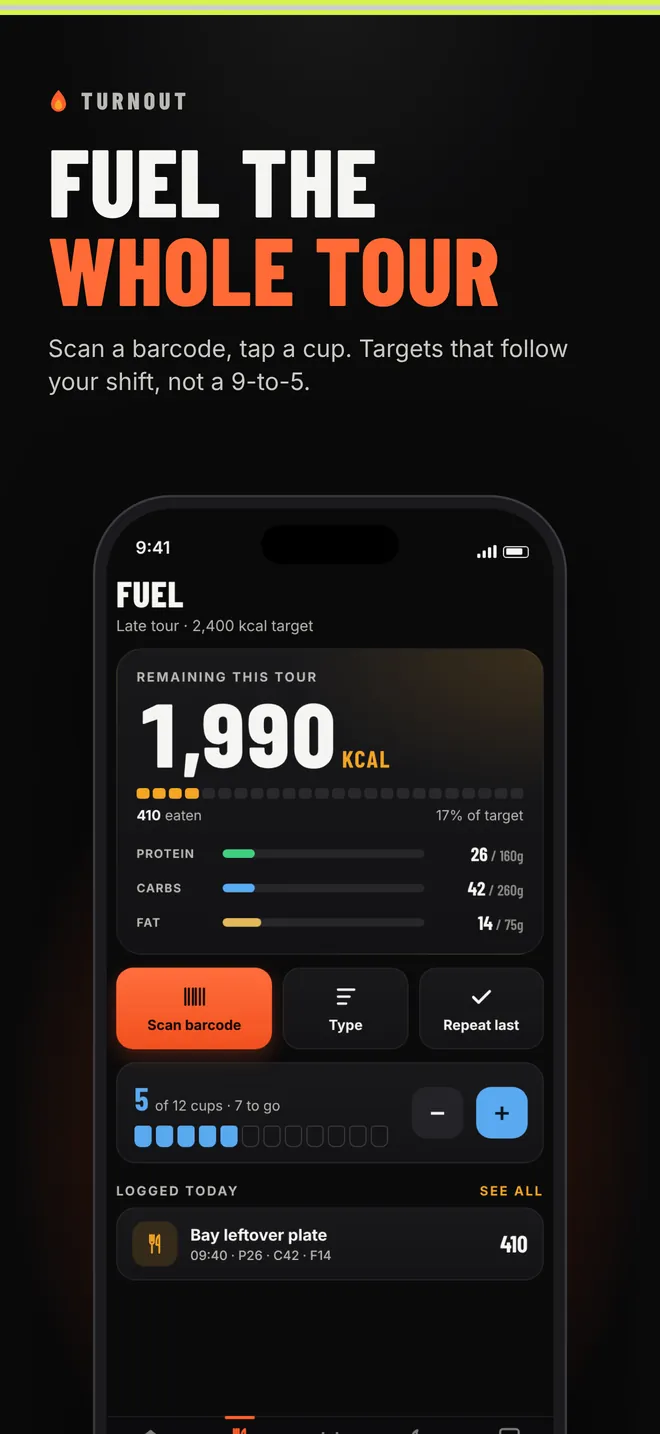
Barcode scans and food searches look up Open Food Facts, a free public food database. Only the barcode number or search words are sent. You can always type a meal in yourself. Community data can have mistakes, so double-check labels, especially for allergies.
What does it cost?
The beta is free. If we add a paid Pro tier later, the core app (the shift dial, Fuel, Recovery, Train and Debrief) stays free. Any subscription would be handled through Apple and shown clearly before you buy.
Is there an Android version?
Not yet. TURNOUT is iPhone-only for now. Email us if you want Android, because it helps us decide what comes next.
How do I delete my data?
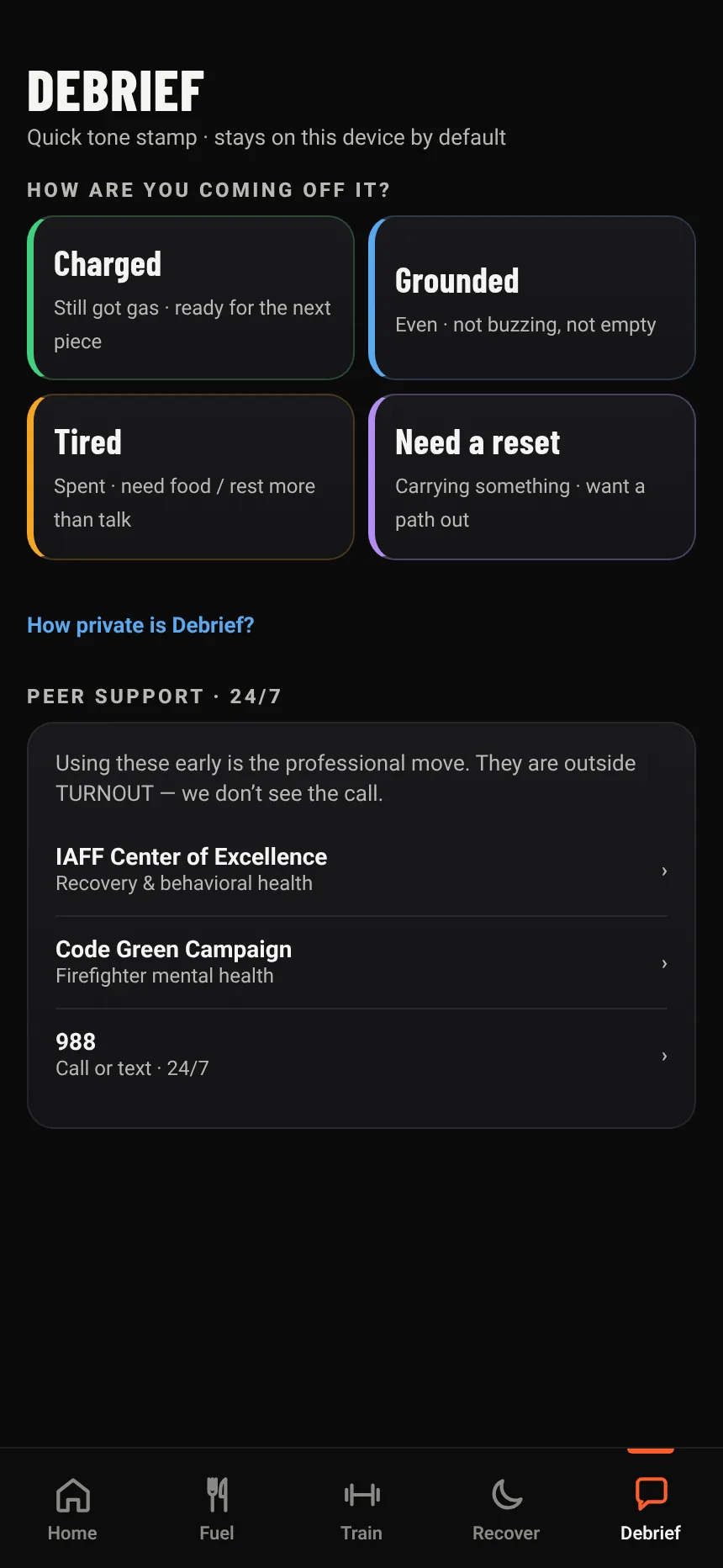
Open More, then Health & Privacy, then Delete all my data. It's gone from the device right away. Deleting the app does the same thing. Debrief check-ins also clear on their own after 90 days.